

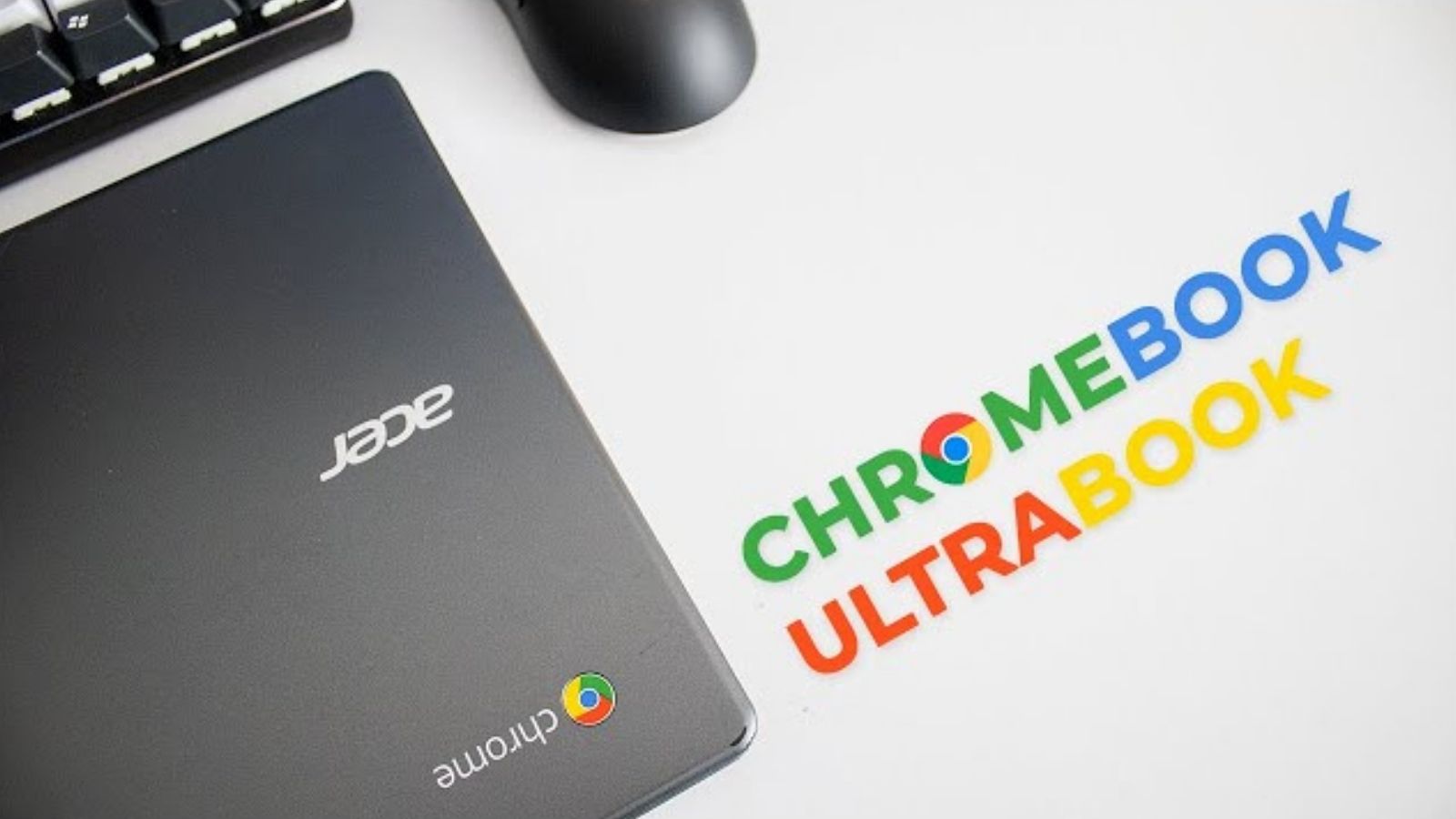
The Acer C720 Chromebook was once a reliable companion for web browsing, streaming, and light productivity tasks. Its lightweight design, fast boot times, and affordability made it a favorite among students, casual users, and professionals on a budget. However, with Google ending support for the Chrome OS on the C720, many users are now left with a device that is functional but limited in capability. Fortunately, there is a solution: installing Windows 10 on your Acer C720. This approach can breathe new life into your device, allowing you to run familiar Windows software, increase compatibility, and extend the lifespan of your Chromebook.
Why Install Windows 10 on the Acer C720?
The primary reason to transition from Chrome OS to Windows 10 is versatility. Chrome OS is excellent for lightweight tasks but comes with limitations in terms of software compatibility. Many professional applications, games, and specialized programs are designed specifically for Windows. By installing Windows 10, you can:
Run full-featured Microsoft Office suites
Use professional software for photo editing, programming, and productivity
Access a wider library of applications and games
Receive long-term support from Microsoft
Repurpose an older device instead of buying a new laptop
Moreover, installing Windows 10 can be a fun and educational project for users interested in learning more about operating systems and system management.
Preparing Your Acer C720 for Windows 10
Before installing Windows 10, preparation is key. The Acer C720 was designed for Chrome OS, so some adjustments and tools are necessary. Here’s a checklist to ensure a smooth transition:
- Back Up Your Data: Installing Windows will erase all data on your Chromebook. Use an external drive, cloud storage, or USB to save your important files.
- Check Hardware Compatibility: The Acer C720 has an Intel processor, typically a Celeron 2955U, and limited RAM (2GB or 4GB). Ensure you install a lightweight Windows 10 version for optimal performance.
- Enable Developer Mode: To allow installation of a different operating system, you must enable Developer Mode on your Chromebook. This process varies slightly between models but generally involves pressing specific key combinations during boot.
- Create a Windows 10 Installation Media: Use a USB drive with at least 8GB of space. You can download Windows 10 ISO from Microsoft’s official website and use tools like Rufus to make the USB bootable.
- Gather Drivers: Chrome OS hardware may need custom drivers for Windows 10. Prepare drivers for Wi-Fi, graphics, and touchpad functions.
Installing Windows 10 on the Acer C720
Once preparation is complete, the installation process can begin. The steps generally include:
- Boot from USB Drive: Insert the bootable Windows 10 USB and restart your Chromebook. Press the key combination (often ESC or F12) to access the boot menu.
- Install Windows 10: Follow the on-screen instructions. You may need to format the internal drive, replacing Chrome OS entirely.
- Install Drivers: After installation, Windows may not recognize all hardware immediately. Install drivers for Wi-Fi, touchpad, and graphics to ensure full functionality. Community forums often have guides with compatible drivers for Acer C720 users.
- Perform Updates: Once Windows 10 is installed, run system updates to get the latest security patches and improvements.
Installing Windows 10 on a Chromebook can seem daunting, but careful preparation and attention to instructions usually lead to success.
Optimizing Windows 10 on the C720
Because the Acer C720 is a low-spec device, certain optimizations can enhance performance:
- Use a Lightweight Windows 10 Version: Windows 10 Home or a stripped-down version can reduce system load.
- Disable Unnecessary Startup Programs: Prevent background apps from consuming RAM.
- Adjust Visual Effects: Turning off animations and shadows can improve responsiveness.
- Regular Maintenance: Disk cleanup, defragmentation (if using HDD), and keeping drivers updated help maintain performance.
- Consider SSD Upgrade: Some C720 models support upgrading to an SSD, significantly improving speed.
These tweaks can make a notable difference, ensuring your Chromebook runs Windows 10 smoothly for daily tasks.
Common Challenges and How to Fix Them
Installing Windows 10 on a Chromebook is not without challenges. Users may encounter issues such as:
- Driver Problems: Certain hardware like touchpads or Wi-Fi may not work correctly. Solution: Search for Acer C720-specific Windows drivers or community-verified alternatives.
- Performance Lag: Due to limited RAM or processor speed, Windows 10 may feel sluggish. Solution: Optimize settings, use lightweight versions, and minimize background tasks.
- Boot Errors: Booting from USB may fail if Developer Mode isn’t properly enabled. Solution: Recheck your Chromebook’s firmware settings and try again.
Understanding these potential issues in advance allows you to troubleshoot efficiently.
Benefits of Running Windows 10 on a Chromebook
Transitioning your Acer C720 to Windows 10 unlocks multiple advantages:
- Extended Device Lifespan: Chromebooks lose official support after a few years. Windows 10 extends usability.
- Access to Full Software Suite: From Microsoft Office to Adobe Creative Cloud, Windows supports a wide range of applications.
- Enhanced Gaming Options: While the C720 isn’t a gaming powerhouse, light games and cloud gaming options become possible.
- Increased Compatibility: Many peripherals and applications work better with Windows compared to Chrome OS.
These benefits make the process worthwhile for those who want a cost-effective, versatile computing solution.
Practical Use Cases for Acer C720 with Windows 10
Once upgraded, your Acer C720 can serve multiple purposes:
- Productivity: Word processing, spreadsheets, email, and remote work tasks.
- Education: Running learning platforms and educational software previously unavailable on Chrome OS.
- Entertainment: Streaming services, lightweight games, and media playback.
- Development and Learning: Practice coding, scripting, or software testing on Windows environments.
The versatility provided by Windows 10 transforms a basic Chromebook into a functional PC capable of handling many everyday tasks.
Conclusion
The Acer C720 Windows 10 upgrade is a practical solution for breathing new life into an aging Chromebook. While Chrome OS was ideal for basic tasks, Windows 10 offers flexibility, broader software compatibility, and extended usability. With careful preparation, installation, and optimization, your C720 can become a powerful, budget-friendly Windows machine.
